
TIDE
from zip to store.
Everything you need to build, configure, brand and publish your own self-custodial Solana trading wallet with a social feed. Read it top to bottom the first time. After that, press / and search.
01What you bought
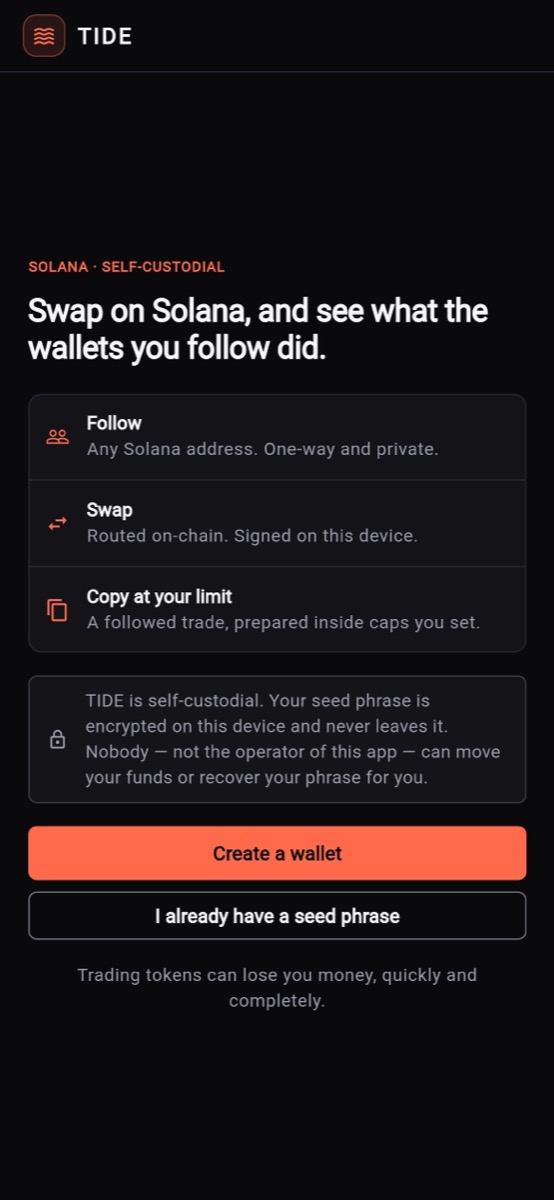
TIDE is a self-custodial Solana wallet written in Flutter. Users create or import a wallet on their own device, swap tokens through Jupiter, follow any Solana address and see what it did on-chain. You, the operator, set a swap fee that Jupiter pays straight into your own wallet.
A fresh build charges nothing: the swap fee is off, its rate is 0 and there is no fee wallet. Copy execution and the Realised tab are off too. The package contains no API key, no Firebase settings and no wallet address of anyone else (lib/core/config/runtime_keys.dart, lib/core/monetization/swap_fee_config.dart).
| Area | What ships | Where in the code |
|---|---|---|
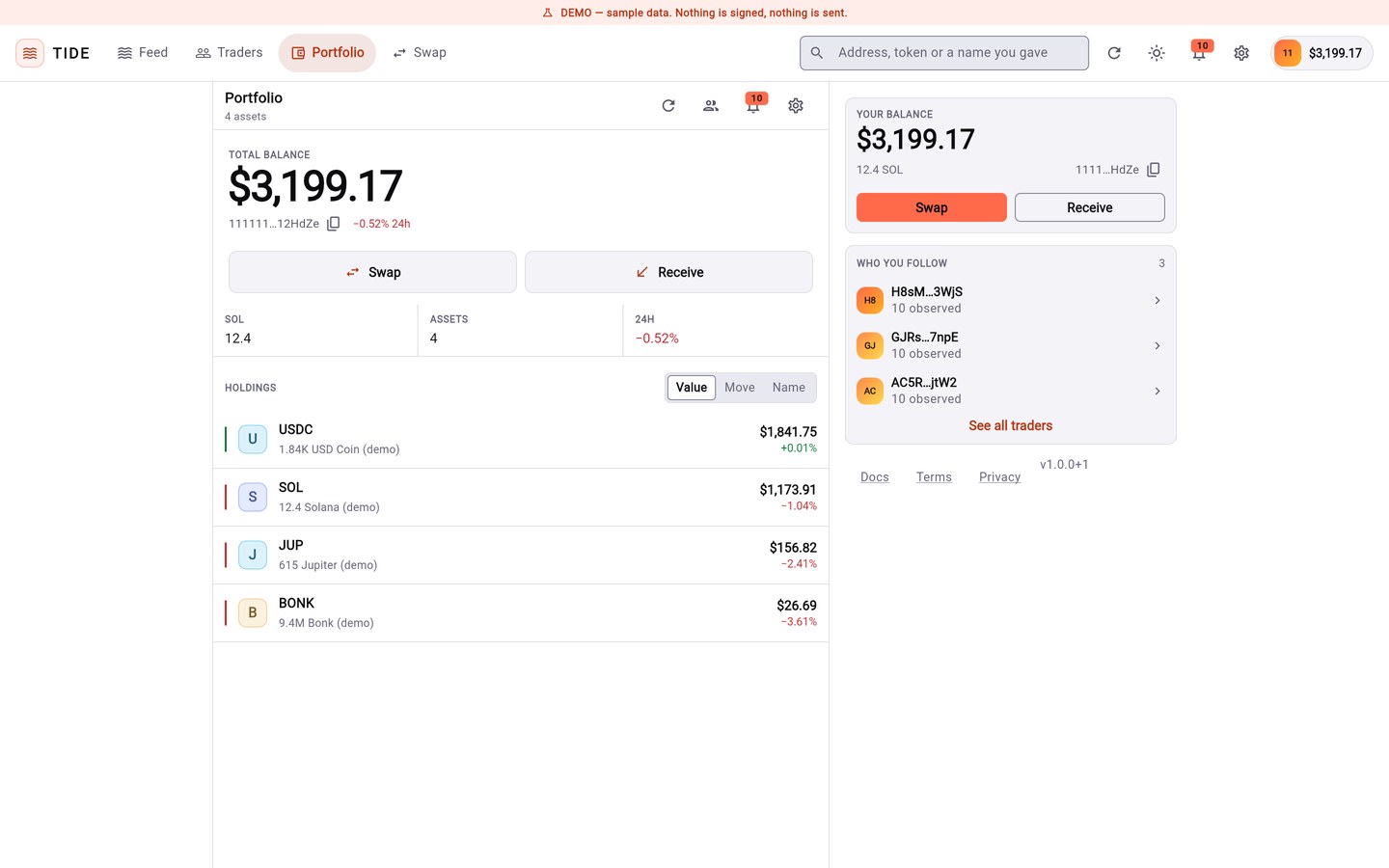
| Wallet | BIP-39 seed generation and import, AES-256-GCM vault in the Keystore / Keychain (web: vault passphrase, PBKDF2), SOL and SPL balances, receive | lib/core/security/, lib/core/solana/ |
| Swap | Jupiter quotes and execution, slippage control, app fee shown before confirm | lib/core/swap/, lib/features/swap/ |
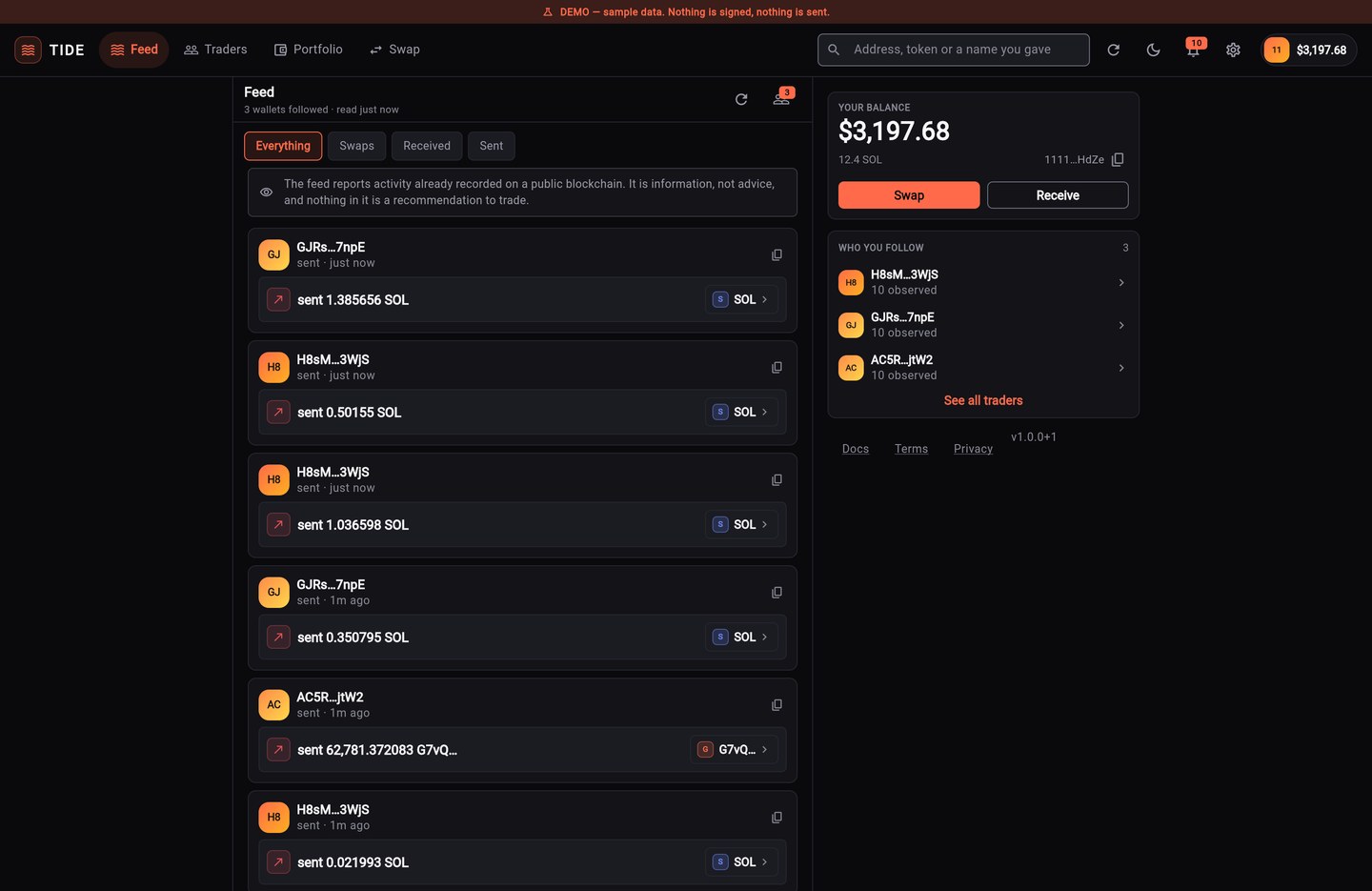
| Feed | Activity of wallets you follow, classified from on-chain balance changes | lib/core/feed/ |
| Watchlist and profiles | Up to 25 followed wallets; counts and dates per wallet, no ranking | lib/core/watchlist/, lib/core/profile/ |
| Realised results (optional, off by default) | What each followed wallet settled, from confirmed transactions over a stated window; listed in follow order, never ranked | lib/core/standing/ |
| Notifications | Local notification centre; push is an optional hook you wire | lib/core/notifications/ |
| Revenue | Swap fee, paid by Jupiter into your own wallet, capped at 200 bps | lib/core/monetization/, lib/core/swap/ |
| Copy execution | A separate module, off by default, gated on the region the user declares (not verified) | lib/core/copy/, lib/features/copy/ |
| Operator panel | Settings screen for every operator value, with validation and code caps, in your operator build only (TIDE_OPERATOR_PASSCODE) | lib/features/admin/admin_screen.dart |
TIDE has no backend. Nothing signs on a server, nothing relays a transaction and nothing holds a user's key. Keys are created and kept on the device, and the user's own device submits every transaction.
02How it fits together
There is no TIDE server. The app on each device talks to public services directly; you publish one configuration file.
03Pick your path
04What is in the package
| Folder or file | What it is |
|---|---|
lib/ | All app source. Features live in lib/features/, logic in lib/core/, state in lib/state/, look and feel in lib/ui/. |
android/, ios/, web/ | Platform projects. There is no desktop target. |
assets/images/app_icon_1024.png | The app icon source image. |
test/ | Automated tests (flutter test), including tests that hold the safety rules. |
docs/ | Developer notes in Markdown: install, operator config, earning, compliance, Firebase, architecture. |
pubspec.yaml | Package list and version (1.0.0+1). |
Apple and Google developer accounts, a domain and hosting if you publish the web build, your own Solana RPC endpoint (recommended), your own terms and privacy pages, and a Solana wallet to receive the fee. None of these are part of the purchase.
05Try it before you install
The live demo is the real web build: tide-demo.mikodes.com. There is no account and no e-mail; a wallet you create there lives only in your browser. Treat it as a throwaway wallet.
06How to read these docs
- Dark boxes are commands. Press Copy in the corner and paste them into a terminal.
- Grey text after
#is an explanation. The Copy button leaves it out. - Text in angle brackets, like
<your-domain>, is a placeholder. Replace it, brackets included. - Paths start at the unzipped folder.
lib/core/…means thecorefolder insidelib. - Required marks steps you cannot skip before a public release.
- Not active in this version marks settings that exist but do nothing yet. They are listed so you are not surprised by them.